Documentation Index

Fetch the complete documentation index at: https://upstash.com/docs/llms.txt

Use this file to discover all available pages before exploring further.

Upstash does not require a credit card for Free databases. For paid databases, you need to add at least one payment method. To add one:
  1. Sign in to the Upstash Console.
  2. Click your profile in the top right and select Account from the dropdown.
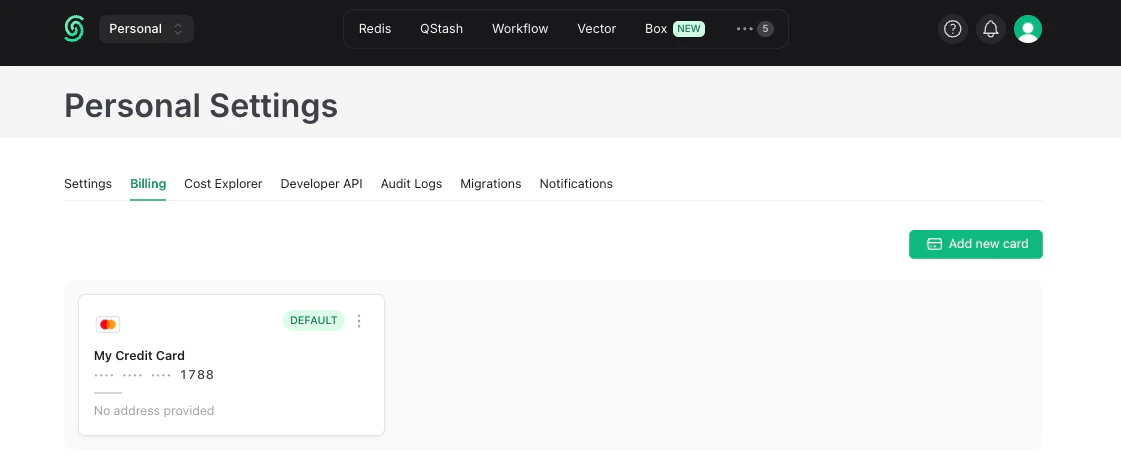
  3. Open the Billing tab.
  4. Click Add Your Card.
  5. Enter your name and card information in the form that appears:
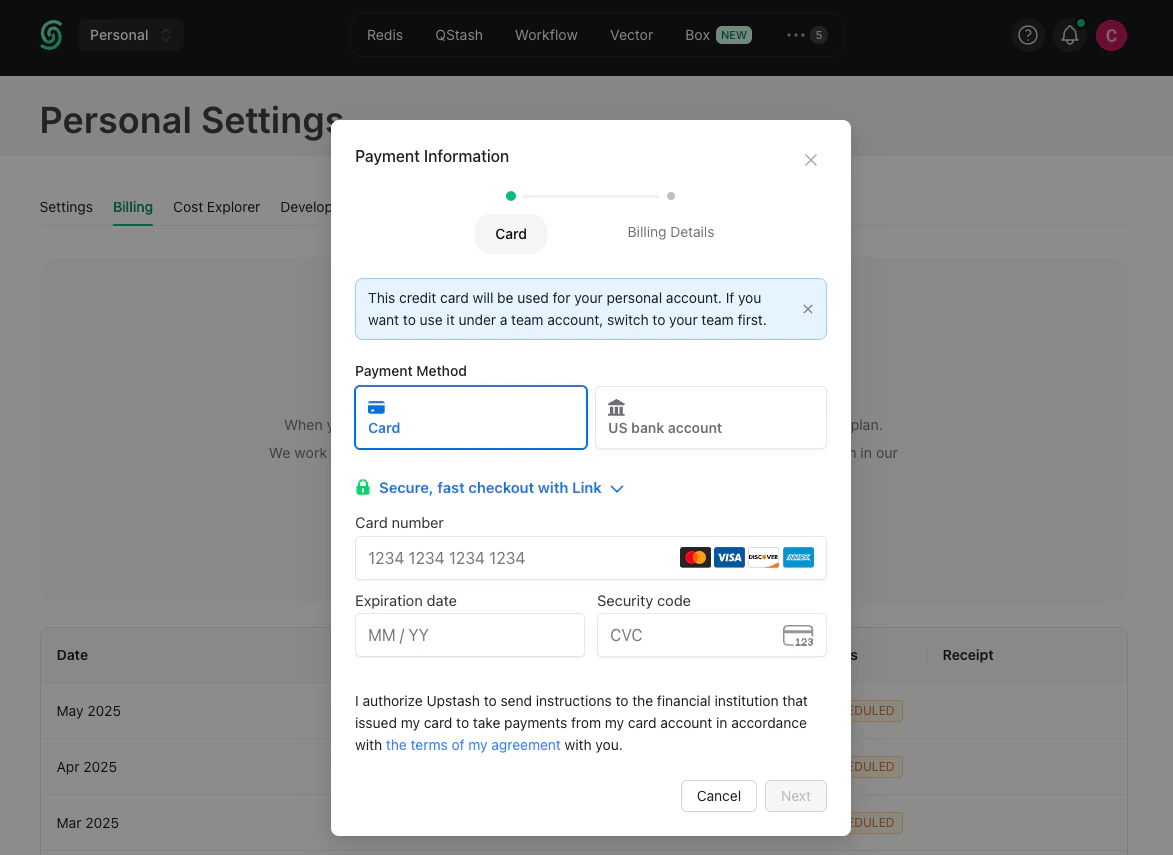
You can save multiple cards and pick one as the default. Payments are charged from the default card.

Payment Security

Upstash does not store credit card information on its servers. Payments are processed by Stripe.